
Prepare for Your Semester with This Online Supply List
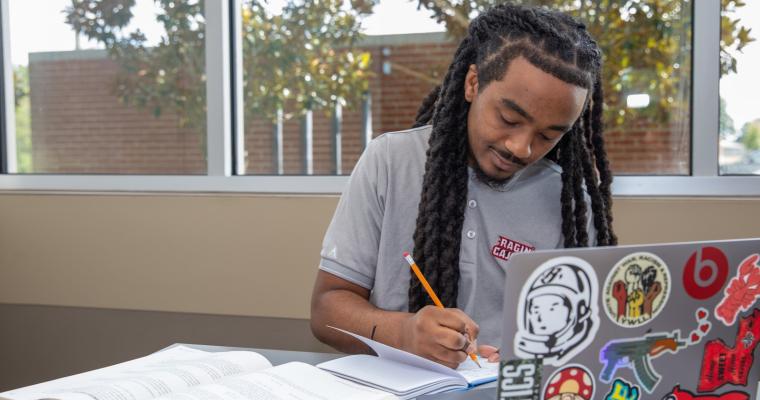
As an online student, you may not need a backpack or 15 shades of highlighters. But you still need a few online degree supplies and basic equipment for online learning.
Don't worry. You do not need elite gear or special skills. If you're wondering what you need for online courses, start here.
1. Reliable internet
The last thing you want in the middle of a Moodle quiz or proctored exam is to lose your internet connection and your work.
Use a wired connection when you can. Wi-Fi can be spotty.
Your download and upload speed should be 2 Mbps or higher. You can test your speed with the free tool at Speedtest.net.
Your internet download and upload speed should be 2 Mbps or higher. You can test your speed using the free tool at Speedtest.net.
2. A ready computer
A smartphone or tablet is fine for checking grades or posting in discussion forums. It is not a good choice for long essays, quizzes, or proctored exams.
For that reason, you will need a laptop or desktop that meets the computer requirements for online classes.
Web browser: To use the school's learning management system, Moodle, Help Desk offers a troubleshooting service to help make sure your settings are right.
Operating system: We recommend Windows Vista or later for PC users, and Mac OS X 10.5 or later for Mac users. To check your operating system, PC users should type 'about your PC' in the search bar. Mac users should click the Apple icon and choose 'About This Mac.'
Hardware: RAM should be 1GB or more. You can find your machine specs in the same place as the operating system info.
3. Webcam, microphone, and speakers
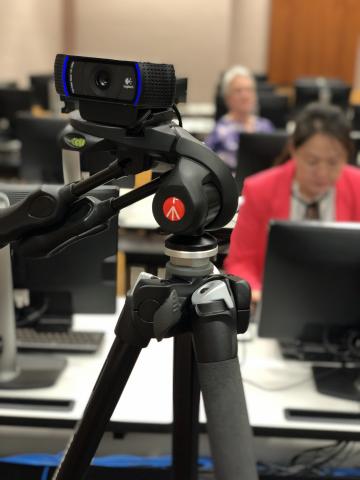
Check your course syllabus or intro to see what audio and video equipment you need. In some cases, a smartphone is enough.
Before you start, test your camera, microphone, and speakers to make sure they work. If you need to replace one of them, you could fall behind.
If you want to know how to test webcam and microphone gear, make a quick video call to a friend or family member, or use this free test.
4. A backup plan
A spilled latte can wreck a study session.
Set up a second place where you can keep studying if your equipment or internet connection fails. Test the internet, computer, and audio-video tools there before you need them.
As a UL Lafayette student, you also have access to more technology resources, including free anti-virus software and Microsoft Office 365 Pro Plus. For more help, review our full rundown of tech support services.
But if you still want the highlighter megapack, go for it.
Learn more about the online programs UL Lafayette offers and how they can help you advance your education and your career.
Q&A
Question: Do online students really need a laptop or desktop computer?
Short answer: Yes. A smartphone or tablet may work for checking grades or posting in discussion forums, but it is not a good choice for sending documents, writing long essays, or taking quizzes. It also will not work for proctored exams, so students should have access to a ready laptop or desktop.
Question: What internet speed should students have for online coursework?
Short answer: The recommended download and upload speed is 2 Mbps or higher. Students can check their connection with Speedtest.net, and a wired connection is better than Wi-Fi because it is usually more reliable.
Question: Why is it important to test audio and video equipment before classes begin?
Short answer: Testing the webcam, microphone, and speakers early helps prevent delays once coursework starts. If any gear needs to be replaced, finding out early can help students avoid falling behind, especially if a course uses video calls, recordings, or proctored activities.
Question: What should be included in a backup plan for online learning?
Short answer: Students should pick a second place where they can keep studying if their equipment or internet connection fails. The article suggests checking the internet, computer setup, and audio-video tools at that backup location before it is needed.